Introduction
When you’re collaborating with LNDS on a project, you may need to share documents with team members and stakeholders. LNDS provides a way for you to securely share and collaborate on these materials.
The LNDS SharePoint is a secure online portal where you can safely share documents with members of your project team. This portal ensures that all project materials remain confidential while enabling seamless collaboration between you and the LNDS team.
Accessing LNDS SharePoint
To use the LNDS SharePoint:
-
Your project contact at LNDS will send you an invitation email to access the SharePoint site. Wait for this email to proceed.
-
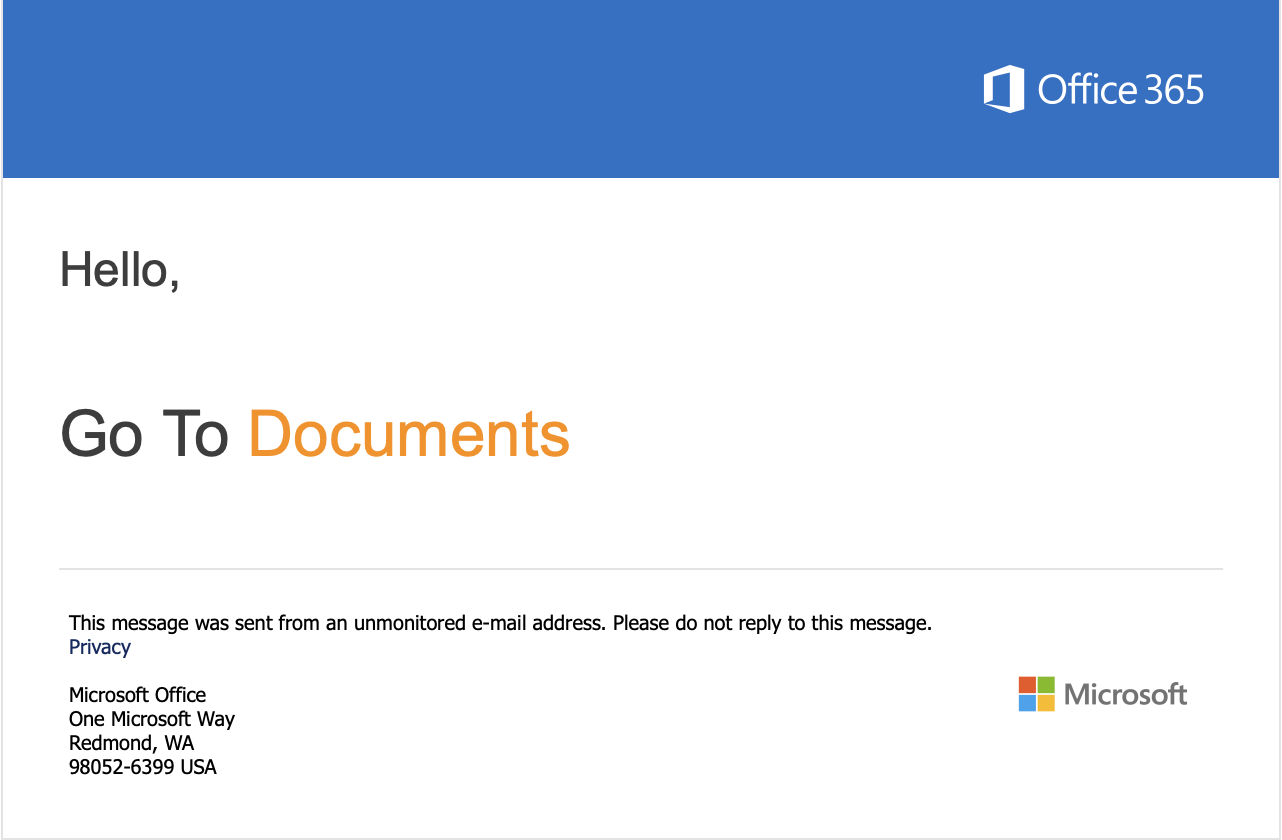
In the invitation email, select the Document link to access the site. The sign-in page opens.
-
Enter your email and select Next. This sends you a verification code to your email.
-
Enter the verification code you received in your email. The permissions request page opens.

-
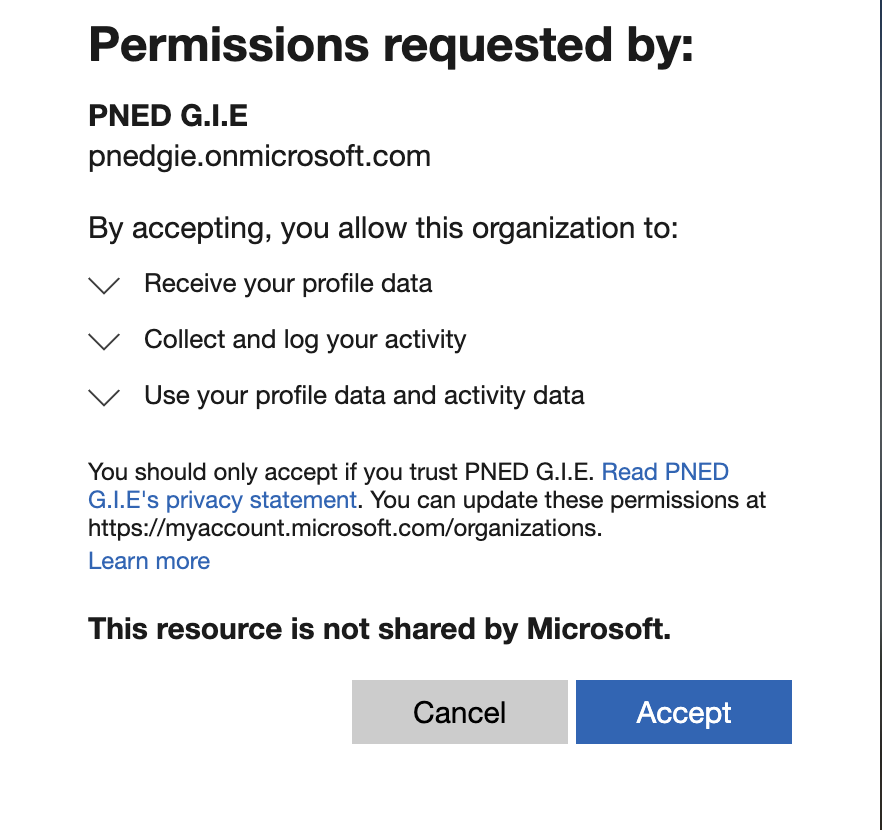
Review permissions request and select Accept to proceed. The Mobile Authenticator Setup opens.
-
Follow the on-screen instructions to set up your mobile authentication.

-
After you complete the authenticator setup, you can access the SharePoint site that was shared to you.
Need help
Contact us at LNDS Service Desk.